System tool
Last modified: Thursday July 14, 2022.
The System tool serves as the central hub for monitoring and managing the overall health and configuration of your Alta Video deployment. It allows administrators to handle deployment-wide settings, manage Cloud Connectors, and access critical system logs and audit trails to ensure smooth operation
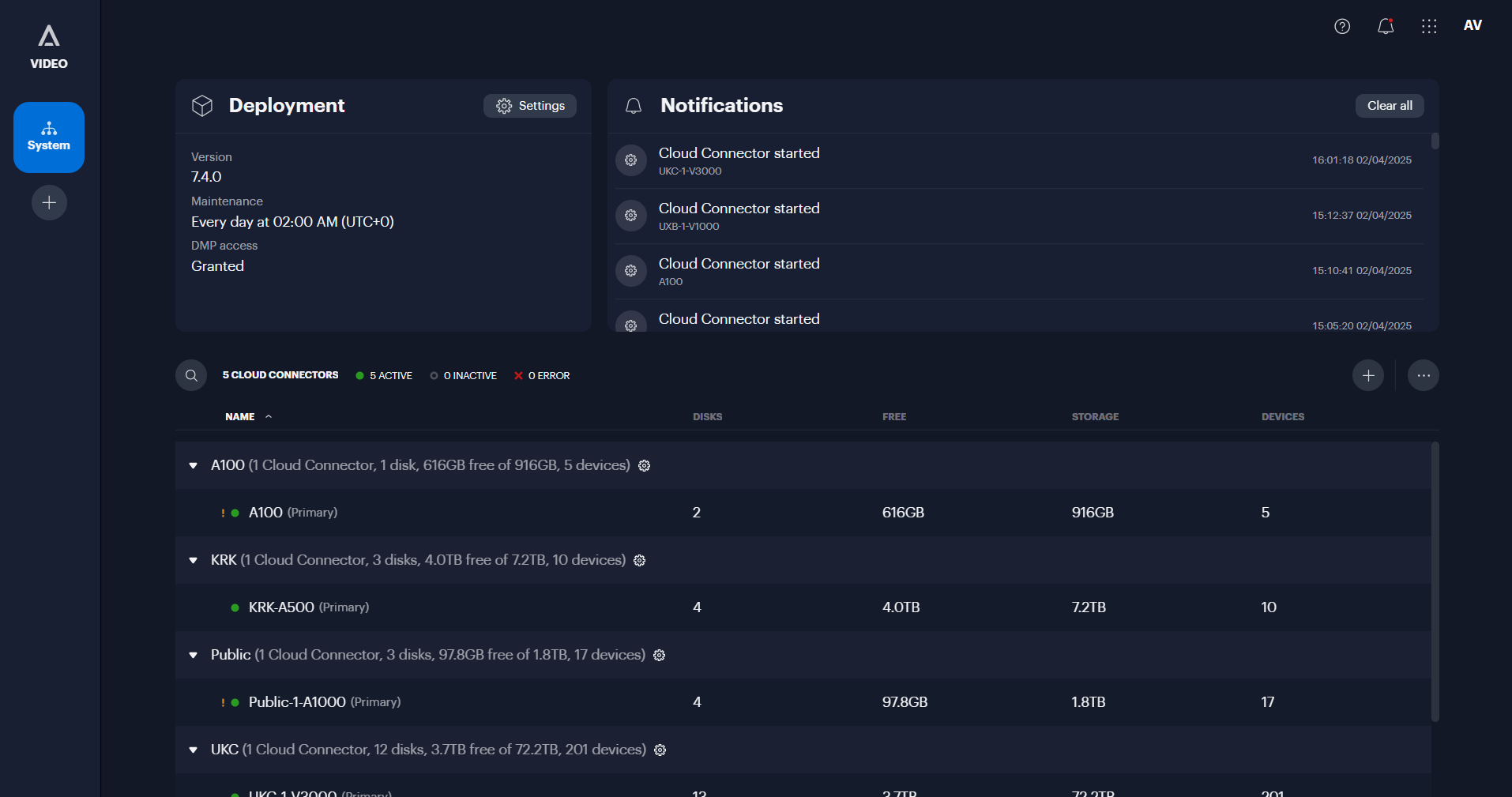
The System tool
Key Features
- Deployment settings: Configure global settings for the system, including the preferred language for system emails, default measurement units, and analytics search preferences.
- Cloud connector management: Add, configure, and monitor the status of Cloud Connectors. You can also view credentials and run network connectivity tests to troubleshoot connection issues.
- Software updates: Check the current software version of your deployment and configure a preferred maintenance schedule to determine when automatic updates should be installed. You can also manually trigger updates if they are available.
- Audit logs: View and download detailed logs of user activities, such as sign-ins, configuration changes, and video viewing history.
- Backup management: Configure schedules for backing up camera video to the cloud and monitor the status of these backups to ensure data retention.
- System logs: Download diagnostic log bundles for the deployment, cameras, and Cloud Connectors to assist with troubleshooting.
- Licensing: View a summary of the active licenses in your deployment, such as those for cameras, audio recording, or specific integrations.
- Security configuration: Manage security-related settings, such as enabling or disabling automatic password rotation for devices and controlling global Wi-Fi and Bluetooth capabilities.
