Maps
Last modified: Wednesday February 04, 2026.
The Maps tool provides a powerful way to visualize your protected areas by allowing you to upload floor plans and track the movement of people and vehicles in near real-time. It creates an interactive environment where you can link cameras, access control points, and sensors to their physical locations, offering a comprehensive understanding of site activity.
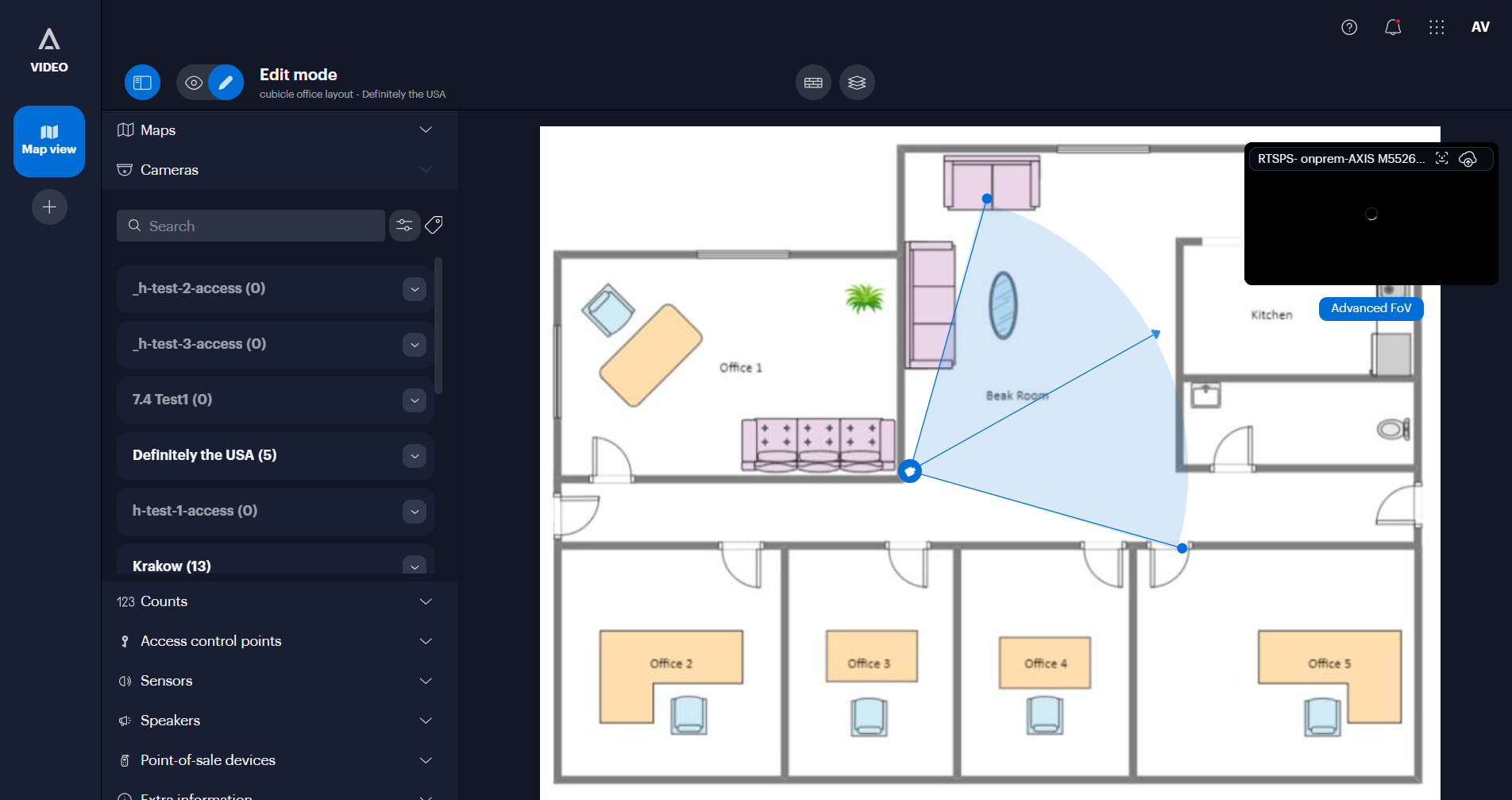
The Alta Video Maps tool
Key features
- Object tracking: View indicators for people and vehicles as they move through your site, including the ability to see an approximation of their paths.
- Integrated video: Click on any camera icon or object "dot" to instantly open the video stream associated with that location or detection.
- Map customization: Upload site maps, draw walls to define physical boundaries, and link multiple maps together to accurately follow activity across different areas.
- Camera field of view: Position cameras and define their fields of view to ensure the system accurately places detected objects on the map.
- Heatmaps: Enable heatmaps to visualize high-traffic areas where people or vehicles have been detected over a specific time period.
- Live counts: Display live counters for "objects in view" or "line-crossing" events directly on the map interface.
- Access control: Add access control points to view the status of doors and remotely unlock them directly from the map.
- Device visualization: Monitor the location and status of other integrated devices, such as sensors, speakers, and point-of-sale systems.
- Quick search: Initiate searches for specific people, vehicles, or events directly by selecting items on the map.
- Extra information: Overlay markers for important safety equipment, such as fire extinguishers or defibrillators, to aid emergency response.
